

How To Transform Your Room With a 3D Interior Design App
Designing a beautiful room no longer requires guesswork, heavy furniture lifting, or expensive trial and error. Today, a 3D interior design app can help you visualize your dream space before making any real changes. Whether you want to redesign your bedroom, living room, kitchen, or complete home, using an interior design 3D app makes the process easier, faster, and more creative.
With modern 3D interior design apps, you can experiment with layouts, furniture, wall colors, flooring, lighting, and décor—all from your phone, tablet, or computer.
What Is a 3D Interior Design App?

A 3D app for interior design is a digital tool that allows users to create realistic room layouts in three dimensions. Instead of imagining how your space will look, you can see it clearly on screen.
These apps help you plan:
-
Furniture placement
-
Wall colors and textures
-
Flooring designs
-
Lighting arrangements
-
Room measurements
-
Home décor styling
- Complete house layouts
Many people now prefer using interior design 3D software because it saves time and reduces design mistakes. You can try multiple ideas before spending money on furniture, paint, or renovation work.
Why Use 3D Interior Design Apps?

A room transformation becomes much easier when you can preview the final result. Traditional design methods often depend on sketches, mood boards, or imagination. But 3D programs for interior design give you a realistic view of your space.
Here are some key benefits:
-
You can visualize your room before renovation.
-
You can test different furniture styles.
-
You can avoid costly design mistakes.
-
You can plan small and large spaces easily.
-
You can compare multiple design options.
- You can create professional-looking layouts without expert skills.
A good 3D interior design app free option is especially useful for homeowners, students, renters, and DIY design lovers who want to explore ideas without paying upfront.
How To Transform a Room With a 3D Interior Design App
1. Measure Your Room
Before using any interior design 3D app, start by measuring your room. Note the length, width, height, doors, windows, and fixed elements like wardrobes or pillars.
Accurate measurements help your design look realistic. Most 3D room design app free tools allow you to enter room dimensions manually or create a layout using drag-and-drop features.
2. Create a Digital Room Layout
Once you have measurements, open your chosen 3D app for interior design and create the basic room structure. Add walls, doors, windows, and flooring.
Some 3D home design software online free platforms also allow you to build complete home layouts, making them useful for both single-room makeovers and full house planning.
3. Choose the Right Furniture

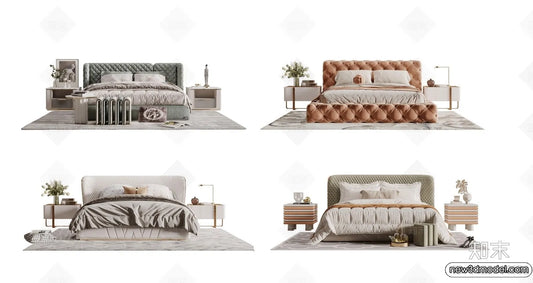
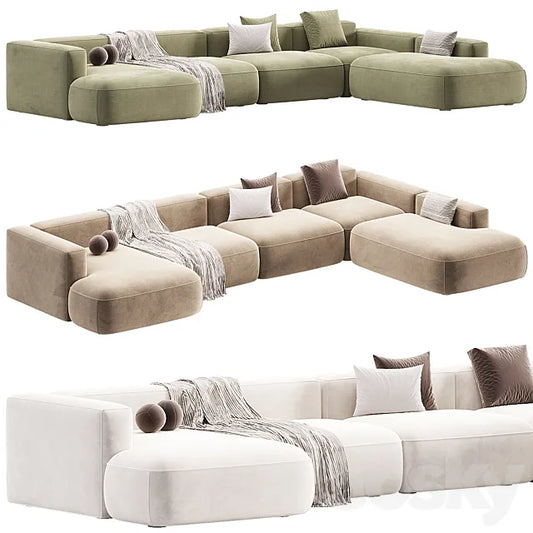
Furniture placement can completely change how a room feels. With 3D interior design apps, you can try different sofa styles, beds, tables, chairs, cabinets, and storage units.
You can also check whether the furniture fits properly and leaves enough walking space. This is one of the biggest advantages of using 3D programs for interior design.
4. Experiment With Colors and Textures

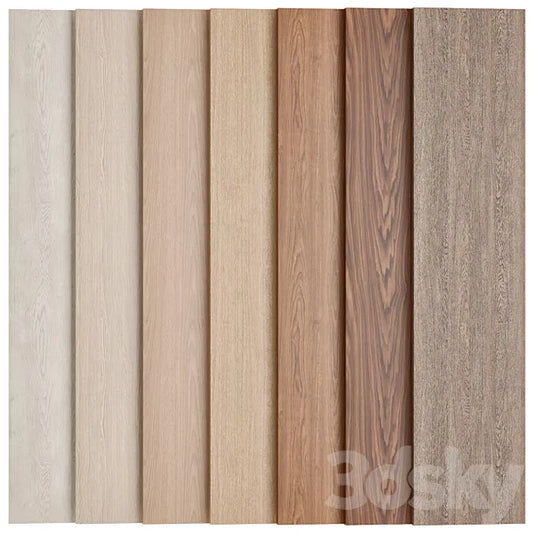
Wall colors, flooring, curtains, and textures play a major role in room transformation. A free 3D interior design app lets you test paint shades, wallpapers, wooden floors, tiles, carpets, and other finishes.
Instead of guessing whether a color will look good, you can preview it instantly in 3D.
5. Add Lighting and Décor

Lighting can make a room look warm, spacious, luxurious, or cozy. Using interior design 3D software, you can place ceiling lights, lamps, wall lights, and natural light sources.
You can also add décor items such as:
-
Wall art
-
Plants
-
Rugs
-
Mirrors
-
Shelves
-
Curtains
-
Cushions
- Decorative accessories
This helps you create a complete room design instead of just a basic layout.
6. View Your Design in 3D

The biggest benefit of a 3D interior design app is the ability to view your room from different angles. You can walk through the space virtually and understand how everything will look together.
Apps like HomeByMe, Planner 5D, and Homestyler offer 3D visualization features that help users preview their room design before spending money on renovation or furniture.
Best Uses of 3D Interior Design Software
A good interior design 3D software can be used for many purposes, including:
-
Bedroom makeover
-
Living room redesign
-
Kitchen planning
-
Bathroom renovation
-
Office interior design
-
Apartment layout planning
-
Furniture arrangement
- Home renovation visualization
If you are designing an entire house, a 3D house design app free tool can help you create room-by-room layouts and test different styles before construction or renovation.
Who Can Use a 3D App for Interior Design?
A 3D app for interior design is useful for:
-
Homeowners planning renovations
-
Renters decorating apartments
-
Interior design students
-
Professional designers
-
Real estate agents
-
Furniture brands
-
DIY home décor lovers
- Architects and space planners
Whether you are a beginner or a professional, 3D programs for interior design make it easier to communicate ideas clearly and make better design decisions.
Tips To Get the Best Results
To make the most of your interior design 3D app, follow these tips:
-
Use accurate room measurements.
-
Start with a simple layout.
-
Choose furniture according to room size.
-
Avoid overcrowding the space.
-
Try multiple color combinations.
-
Use lighting to create mood.
-
Save different design versions.
- Compare before finalizing your room design.
A free 3D interior design app is a great starting point, but for professional-quality results, you may later explore premium features like HD rendering, advanced furniture libraries, and virtual walkthroughs.
Final Thoughts
Transforming your room is now easier than ever with a 3D interior design app. Whether you want a small makeover or a complete renovation, these tools help you visualize your ideas before making real changes.
From a 3D house design app free to 3D home design software online free, there are many options available for every type of user. A reliable interior design 3D app helps you plan smarter, save money, and create a space that truly matches your style.
If you want to redesign your home with confidence, start using a 3D interior design app free today and bring your dream room to life.